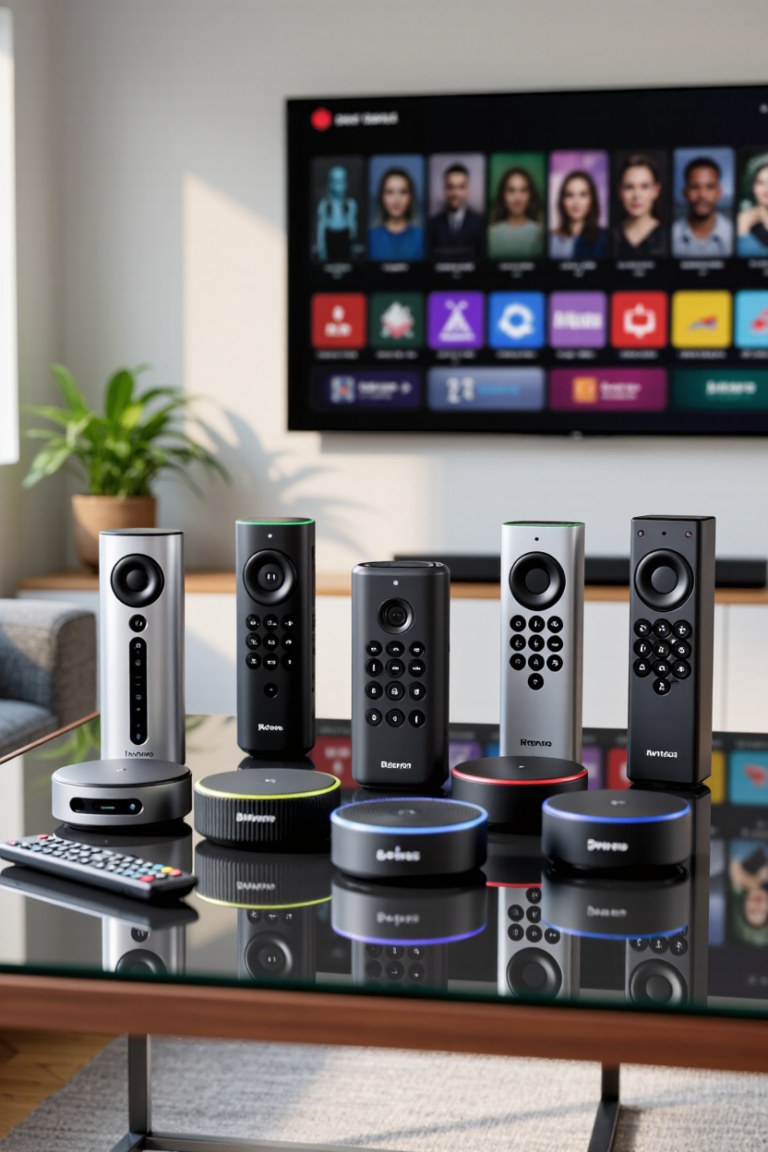
Streaming sticks have quietly become the most cost-effective upgrade in the living room. For less than the price of a single month of premium TV packages, you can turn an ageing television into something that loads apps instantly, handles 4K HDR properly, and stops buffering halfway through the good bit. The Fire TV Stick 4K Plus is Amazon’s answer to the biggest complaint about streaming sticks — that they slow down as your home network gets busier.
Jump to a section
What Is the Fire TV Stick 4K Plus?
The Fire TV Stick 4K Plus is a compact HDMI dongle that plugs directly into the back of your TV and turns it into a full smart TV running Amazon’s Fire TV interface. The headline change over previous generations is Wi-Fi 6 support, alongside 4K playback with Dolby Vision and Dolby Atmos.
⚡ Quick Answer: The Fire TV Stick 4K Plus is the right buy if your home has a Wi-Fi 6 router and several devices competing for bandwidth. If you have an older router or a single-person household, the standard Fire TV Stick 4K delivers nearly identical picture quality for less. Choose Roku Streaming Stick 4K for a neutral, ad-light interface, Google TV Streamer for the best content recommendations, and Apple TV 4K if you want the fastest, most polished box regardless of cost.
Does Wi-Fi 6 Actually Matter for Streaming?
This is the question that decides whether the Plus is worth your money, and the honest answer is: it depends entirely on your home, not on your TV.
A 4K stream needs roughly 25 Mbps. Almost any modern broadband connection can supply that. The problem is rarely raw speed — it’s congestion. Wi-Fi 6 doesn’t make a single stream faster; it makes a busy network more efficient at handling many devices at once. If your household has phones, laptops, a games console, security cameras and a couple of smart speakers all fighting for airtime, Wi-Fi 6 is where you’ll notice the difference: fewer mid-film quality drops, faster app launches, quicker resume from standby.
If you live alone with a five-year-old router, you will genuinely see almost no benefit. Buy the cheaper stick and put the difference towards a better router instead — that upgrade would help every device in the house, not just the telly.
Best Streaming Sticks and Boxes of 2026 Compared
Here’s how the Fire TV Stick 4K Plus measures up against the alternatives worth considering.
| Device | Best For | Max Resolution | Wi-Fi | Standout Feature |
|---|---|---|---|---|
| Fire TV Stick 4K Plus | Busy households with modern routers | 4K Dolby Vision | Wi-Fi 6 | Smoothest performance on congested networks |
| Fire TV Stick 4K | Best value for most homes | 4K Dolby Vision | Wi-Fi 6 | Near-identical picture for less money |
| Fire TV Stick HD | Bedrooms and older 1080p TVs | 1080p | Wi-Fi 5 | Cheapest way to make any TV smart |
| Roku Streaming Stick 4K | A neutral, brand-agnostic interface | 4K Dolby Vision | Wi-Fi 5/6 by model | Cleanest, least pushy home screen |
| Google TV Streamer | Content discovery across services | 4K Dolby Vision | Wi-Fi 5 | Genuinely useful cross-app recommendations |
| Apple TV 4K | Apple households wanting the best box | 4K Dolby Vision | Wi-Fi 6 | Fastest interface and longest software support |
What to Look for in a Streaming Device
1. HDR Format Support
Dolby Vision and HDR10+ both deliver better contrast than standard HDR10, but only if your TV supports the same format. Check what your television handles before paying extra for a stick that supports formats your screen can’t display.
2. Interface and Advertising
This is the most underrated factor. Fire TV heavily promotes Amazon’s own content on the home screen. Roku is the most neutral. Google TV sits in between but does the best job of surfacing something you actually want to watch. You’ll look at this screen every single day, so it matters more than any spec.
3. Remote Control Quality
Look for a remote with TV power and volume control built in — it means one remote instead of two. Voice search is now standard across all the major platforms and genuinely faster than typing with a directional pad.
4. Storage and App Support
If you install a lot of apps or use cloud gaming services, storage fills quickly on budget sticks. Check that the services you actually subscribe to are supported on the platform before buying — availability still varies between Fire TV, Roku and Google TV.
5. Ethernet Option
If your router is far from the TV, no amount of Wi-Fi improvement beats a cable. Some devices include an Ethernet port or support an adapter — worth checking if your streaming problems are really a distance problem.
Detailed Look at Each Device
1. Fire TV Stick 4K Plus
The most capable stick in Amazon’s lineup, built for homes where the network is under real pressure. Wi-Fi 6 support keeps playback stable when the rest of the household is streaming, gaming and video calling at the same time — the scenario where cheaper sticks start to stutter.
Standout features:
- Wi-Fi 6 for stable playback on congested networks
- 4K with Dolby Vision and Dolby Atmos support
- Faster app launching and standby wake than earlier generations
- Alexa voice remote with TV power and volume control
Considerations:
- Wi-Fi 6 benefits require a Wi-Fi 6 router to appear
- Home screen leans heavily on Amazon’s own content
- Overkill for single-user or lightly loaded networks
▶ Watch: Amazon Fire TV’s official YouTube channel
2. Fire TV Stick 4K
For most households, this is the smarter purchase. It delivers the same 4K Dolby Vision picture as the Plus, on the same interface, with the same remote. What you give up is headroom you may never use.
Standout features:
- Same 4K Dolby Vision output as the Plus
- Noticeably better value for typical homes
- Full Alexa voice control
- Works well as a second stick for another room
Considerations:
- Less headroom on very busy home networks
- Same Amazon-heavy interface
- No Ethernet port without an adapter
3. Fire TV Stick HD
The cheapest route to making a non-smart TV smart. If the screen it’s going into is 1080p — a bedroom TV, a kitchen set, a spare room — paying for 4K output is money spent on resolution the panel physically cannot show.
Standout features:
- Lowest cost entry into the Fire TV ecosystem
- Perfectly matched to 1080p televisions
- Same app library as the more expensive sticks
- Ideal second or third device for the house
Considerations:
- No 4K or Dolby Vision output
- Slower interface than the 4K models
- Older Wi-Fi standard
4. Roku Streaming Stick 4K
Roku’s advantage has always been restraint. The home screen is a simple grid of the apps you installed, in the order you want them, without a wall of promoted content. If the Fire TV interface irritates you, this is the fix.
Standout features:
- Cleanest, most neutral interface of any platform
- 4K with Dolby Vision support
- Excellent universal search across services
- Private listening through the Roku mobile app
Considerations:
- Interface looks dated next to Google TV
- Weaker content recommendations
- Smaller smart home integration ecosystem
5. Google TV Streamer
Google’s box is the best at the thing most people actually struggle with: deciding what to watch. It pulls together content from every service you subscribe to into a single set of recommendations, rather than making you check four apps in turn.
Standout features:
- Best cross-service content discovery available
- Doubles as a smart home hub for compatible devices
- Built-in Ethernet port on the box version
- Google Assistant voice control
Considerations:
- Larger than a stick — needs a shelf, not just an HDMI port
- Recommendations require sharing viewing data
- Higher price than most streaming sticks
6. Apple TV 4K
Comfortably the fastest and most polished streaming device you can buy, with an ad-free interface and the longest software support record in the category. It costs several times what a stick does, and for the right household it’s still worth it.
Standout features:
- Fastest, smoothest interface of any streaming device
- No advertising on the home screen
- Excellent AirPlay and Apple ecosystem integration
- Years of continued software updates
Considerations:
- Far more expensive than any streaming stick
- Best features assume you own other Apple devices
- Overspecified if you only use two or three apps
Who Should Buy Which?
- Busy household, modern router: Fire TV Stick 4K Plus
- Most people, best value: Fire TV Stick 4K
- Bedroom or 1080p TV: Fire TV Stick HD
- You hate cluttered home screens: Roku Streaming Stick 4K
- You never know what to watch: Google TV Streamer
- Apple household, budget no object: Apple TV 4K
Common Questions About the Fire TV Stick 4K Plus
Do I need a 4K TV to use the Fire TV Stick 4K Plus?
No, it will work on a 1080p television, but you won’t see any of the 4K or Dolby Vision benefit. If your TV is 1080p, the Fire TV Stick HD gives you the same apps for considerably less.
Will it work without a Wi-Fi 6 router?
Yes. Wi-Fi 6 is backwards compatible, so the stick works on any modern router. You simply won’t get the congestion-handling advantage that justifies the higher price.
Can I use it without an Amazon Prime subscription?
Yes. You need a free Amazon account to set the device up, but Prime is not required. All the major streaming apps work independently of any Prime membership.
Does it replace my TV’s built-in smart features?
Effectively, yes. Once you switch to the stick’s HDMI input, you use the Fire TV interface instead of your television’s own. Many people find the stick faster than the smart platform built into an older TV, which is the main reason to buy one.
Is it worth upgrading from an older Fire TV Stick?
If your current stick is slow to load apps or drops quality during peak evening hours, yes — those are exactly the symptoms the newer hardware addresses. If your existing stick performs fine, there’s no compelling reason to replace it.
Fire TV Stick 4K Plus: Verdict
The Fire TV Stick 4K Plus is a genuinely good streaming device, but it’s a targeted one. It solves a network congestion problem, and if you don’t have that problem, you’re paying for headroom you’ll never touch. Households with a Wi-Fi 6 router, several people streaming at once, and a 4K TV will feel the difference immediately. Everyone else should buy the standard Fire TV Stick 4K and spend the saving elsewhere.
That’s the honest way to shop this category: match the device to your network and your television, not to the biggest number on the box. Smart value beats premium pricing every time.
ALSO SEE This £25 Gadget Is Quietly Replacing £200 Devices — Here’s Proof
📥 Get Our Free 2026 Digital Tools Stack
A free guide to the best hosting, VPN, cybersecurity and AI tools for 2026 — delivered straight to your inbox.
Compare These Picks Side by Side
[megastore76_smartbuy category=”Smart Devices”]You Might Also Like
 <span class="mrx-read-time-wrap mrx-read-time-before"><span class="mrx-read-time-badge">6 min read</span></span> Best Streaming Sticks 2026: 8 Picks Compared (£9.95–£59.95)
Eight streaming sticks from Megastore76's current stock compared on price, resolution and platform — from a £9.95 budget Firestick to a £59.95 Fire TV Stick 4K Max.
View Details <span class="mrx-read-time-wrap mrx-read-time-before"><span class="mrx-read-time-badge">6 min read</span></span> Best Smart TVs for Movies, High Speed Gaming, and Streaming
The modern Smart TV has evolved far beyond simply displaying television channels. Today’s Smart TVs serve as complete…
View Details <span class="mrx-read-time-wrap mrx-read-time-before"><span class="mrx-read-time-badge">7 min read</span></span> Video Games 2026: More Than Just Play
Once considered mere children's toys, video games have evolved into a global phenomenon shaping culture, entertainment, education, and…
View Details <span class="mrx-read-time-wrap mrx-read-time-before"><span class="mrx-read-time-badge">6 min read</span></span> Video Game Consoles in 2026: The Power Behind Modern Gaming
Video game consoles have come a long way from chunky cartridges and wired controllers. Today, they're sleek entertainment…
View Details