Turning an ordinary house into a smart house used to mean picking one brand and living inside its walled garden. That’s no longer true. Between the Matter standard reaching real maturity and every major ecosystem now playing reasonably well together, 2026 is the easiest year yet to build a smart home that actually works—without getting locked into a single company’s hardware forever. Here’s exactly how to do it, room by room and device by device.
Jump to a section
What Makes a House “Smart” in 2026?
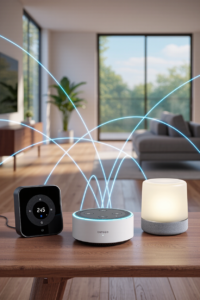
A smart house connects everyday devices—lights, locks, thermostats, speakers, cameras—to a shared network so they can be controlled remotely, automated on schedules, or triggered by voice. The biggest shift in 2026 is the Matter standard, now on version 1.6 (released June 2026), which lets devices from different brands work together under one roof instead of requiring a separate app for every gadget.
⚡ Quick Answer: Best ecosystem for iPhone owners is Apple HomeKit (via HomePod mini). Best for the widest device selection is Amazon Alexa (via Echo Hub). Best voice assistant is Google Home. Best multi-ecosystem bridge hub is the Aqara Hub M3. Best starter combo for beginners: a smart speaker + a few smart plugs + smart bulbs.
Choosing Your Smart Home Ecosystem
Before buying a single device, pick the ecosystem that will act as your home’s “brain.” This is the single most important decision in building a smart house, because it determines which app you’ll open every day.
| Ecosystem | Best For | Strengths | Trade-offs |
|---|---|---|---|
| Amazon Alexa | Widest device compatibility | Largest third-party device catalog, Echo Hub touchscreen dashboard | Voice processing runs in the cloud, not locally |
| Google Home | Best voice assistant accuracy | Most natural language understanding, deep Nest integration | Smaller device catalog than Alexa |
| Apple HomeKit | Privacy-conscious iPhone households | Local processing, strongest encryption, cleanest app | Smallest device selection of the three |
| Samsung SmartThings | Mixed-brand households wanting one control app | Most protocol-agnostic (Zigbee, Z-Wave, Matter, Wi-Fi) | Less polished interface than Apple or Google |
Bottom line: If you’re already inside Apple’s world, HomeKit is the easy choice. If you want the broadest possible device selection, Alexa wins. If you value the smartest voice assistant, go Google. If you’re mixing brands and protocols, SmartThings ties it together.
The Matter Standard, Explained Simply
Matter is an open smart home standard backed by Amazon, Google, Apple, and Samsung. In plain terms: a Matter-certified device will work with whichever ecosystem you choose now, and any ecosystem you switch to later—no more buying a lightbulb that’s locked to only one app. Matter 1.6 (June 2026) focused on fixing setup friction and letting Alexa, Google Home, and Apple Home coordinate control of the same device more smoothly.
The simple rule for 2026 shoppers: when buying anything new for your smart house, check the box for a Matter logo. It costs nothing extra and future-proofs the purchase.
Essential Smart House Devices, Compared
Here are the core building blocks of a smart house in 2026, with our top pick in each category.
| Category | Top Pick | Price (approx.) | Why It’s the Pick |
|---|---|---|---|
| Hub / Control Panel | Aqara Hub M3 | ~$70 | Bridges Zigbee, Thread & Matter across Alexa, Google and Apple simultaneously |
| Smart Speaker / Display | Amazon Echo Hub | ~$180 | 8-inch wall dashboard doubling as a Matter controller and Thread border router |
| Smart Lighting | Philips Hue White & Color Ambiance | ~$50/bulb | Widest ecosystem support, most reliable app of any smart bulb brand |
| Smart Plug | TP-Link Tapo P110M | ~$13 | Matter-enabled with real energy monitoring at a near-disposable price |
| Smart Thermostat | Google Nest Learning Thermostat (4th Gen) | ~$280 | AI-powered scheduling that learns your habits automatically |
| Smart Lock | Ultraloq U-Bolt Pro WiFi | ~$120 | Keypad, app, and physical key access without a separate hub required |
| Robot Vacuum | Roborock Saros 10R | ~$1,000–$1,800 | LiDAR navigation with a self-emptying, self-washing dock |
Detailed Look at Each Category
1. Aqara Hub M3 — Smart Home Hub
A small puck that quietly becomes the only hub most households need. It packs a built-in Thread Border Router and Zigbee radio, runs automations locally, and exposes its accessories to Apple Home, Google Home, and Alexa simultaneously over Matter—ideal if you don’t want to commit to a single ecosystem forever.
Standout features:
- Works natively with all three major ecosystems at once
- Built-in Thread Border Router and Zigbee 3.0 radio
- Local automation processing—keeps working if the internet drops
- Lightest setup of any multi-ecosystem hub
Considerations:
- Third-party gear from other brands connects via their own Matter bridge, not the M3’s Zigbee radio directly
- Best suited to households already mixing brands
2. Amazon Echo Hub — Smart Speaker & Display
A dedicated 8-inch wall-mountable control panel for Alexa that treats the touchscreen as the main event rather than an afterthought. It doubles as a Zigbee coordinator, Thread border router, and Matter controller—genuinely useful hardware, not just another speaker.
Standout features:
- Purpose-built wall dashboard, not a repurposed speaker
- Acts as a Matter controller and Thread border router
- Deep Ring integration for security camera households
- Customisable dashboard layout
Considerations:
- Keeps you inside the Alexa ecosystem specifically
- Voice processing runs through Amazon’s cloud, not locally
3. Philips Hue White & Color Ambiance — Smart Lighting
Still the benchmark for smart lighting. Hue works with every major ecosystem, offers the most reliable scheduling and scene app in the category, and now ships with Matter support so bulbs aren’t locked to Philips’ own bridge.
Standout features:
- 16 million colours plus tunable white light
- Matter-compatible via bridge firmware update
- Most mature scheduling and scene-setting app of any smart bulb
- Works with Alexa, Google Home, Apple HomeKit and SmartThings
Considerations:
- A Hue Bridge is recommended for full functionality, adding upfront cost
- More expensive per bulb than budget alternatives
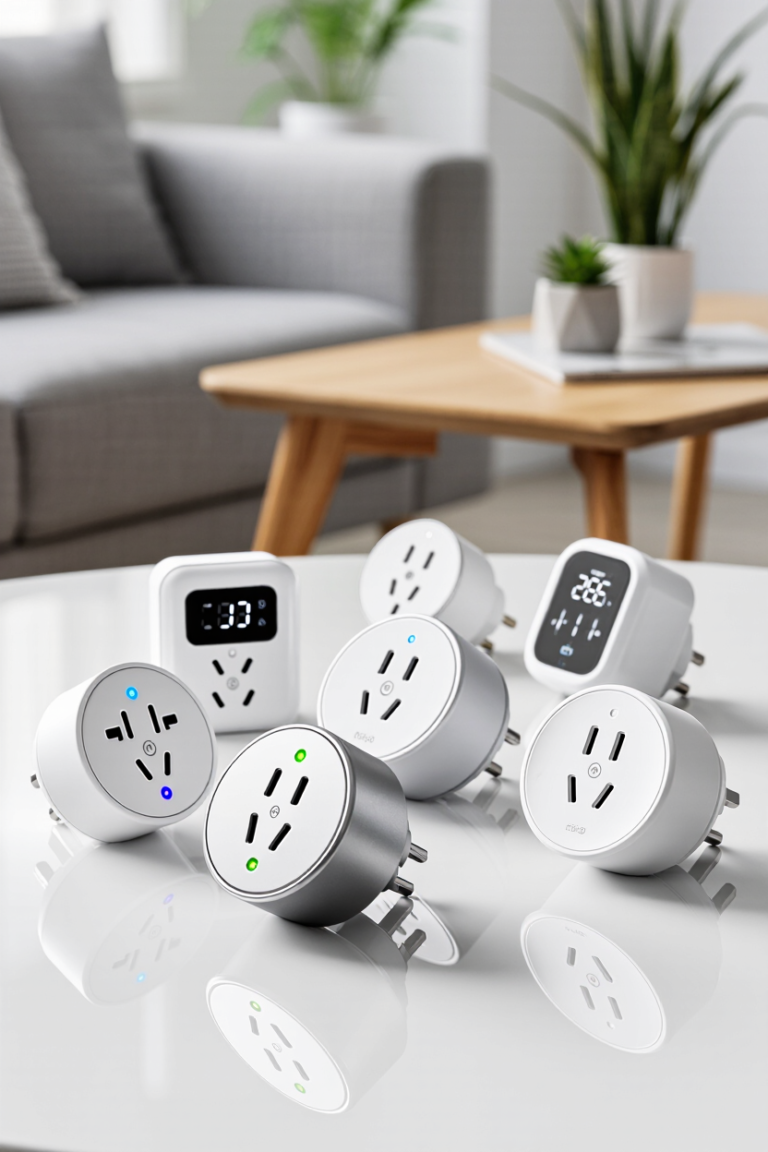
4. TP-Link Tapo P110M — Smart Plug
The easiest, cheapest way to make any “dumb” appliance smart. This plug adds scheduling, remote control, and genuine energy monitoring to lamps, fans, or coffee makers—at a price low enough to buy several without thinking twice.
Standout features:
- Real-time energy usage monitoring
- Matter-certified—works with any major ecosystem
- Compact design that doesn’t block the adjacent outlet
- Under $15 per plug
Considerations:
- On/off and scheduling only—no dimming
- Requires a 2.4GHz Wi-Fi network
5. Google Nest Learning Thermostat (4th Gen) — Smart Thermostat
A genuine redesign after nearly a decade, this generation pairs AI-powered scheduling with a design that actually learns your household’s habits rather than requiring constant manual adjustment. Most utility companies also offer rebates for installing one.
Standout features:
- AI scheduling that adapts automatically after roughly a week of use
- Energy usage history and savings reports
- Works without a separate hub
- Often eligible for utility company rebates
Considerations:
- Best results tied to Google Home ecosystem
- Professional installation recommended for complex HVAC wiring
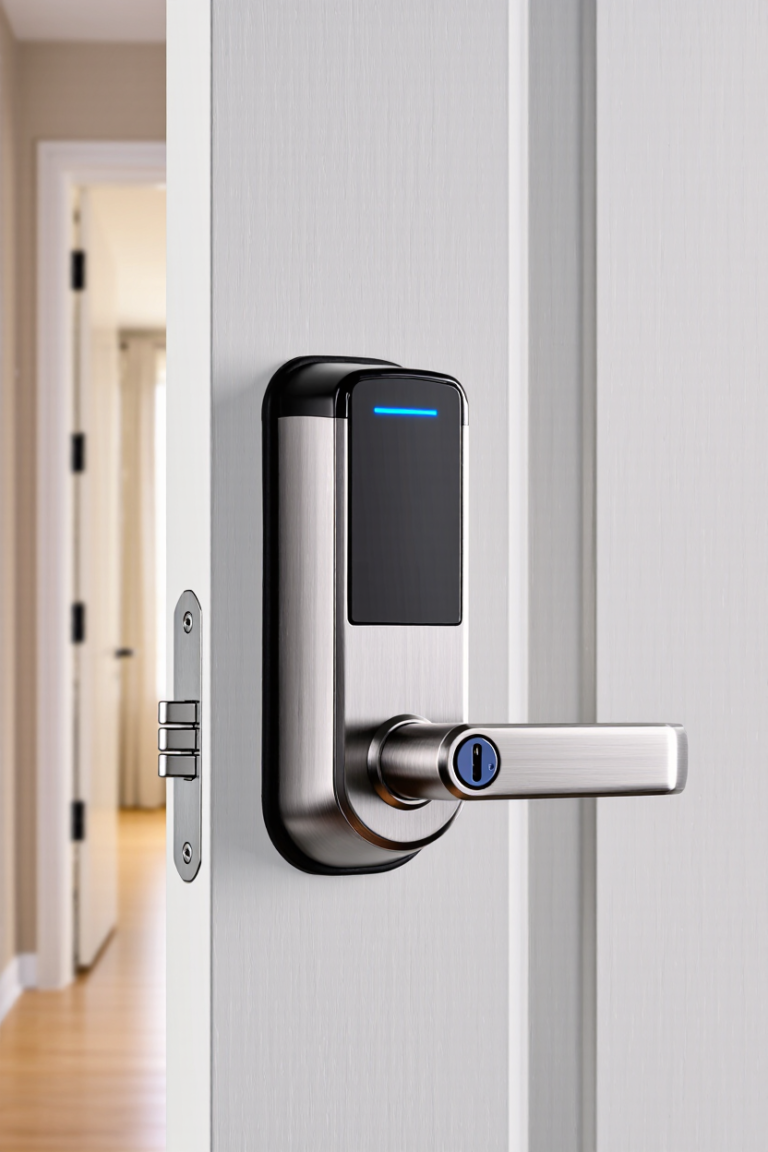
6. Ultraloq U-Bolt Pro WiFi — Smart Lock
A genuine full-lock replacement that offers keypad, app, fingerprint, and physical key access in one unit—without requiring a separate smart home hub, since it connects straight to your Wi-Fi.
Standout features:
- Four unlock methods: app, keypad, fingerprint, physical key
- No separate hub required—connects directly to Wi-Fi
- Auto-lock and guest access codes
- Works with Alexa and Google Home
Considerations:
- Wi-Fi connection uses more battery than a hub-based lock
- Batteries typically need replacing every few months with heavy use
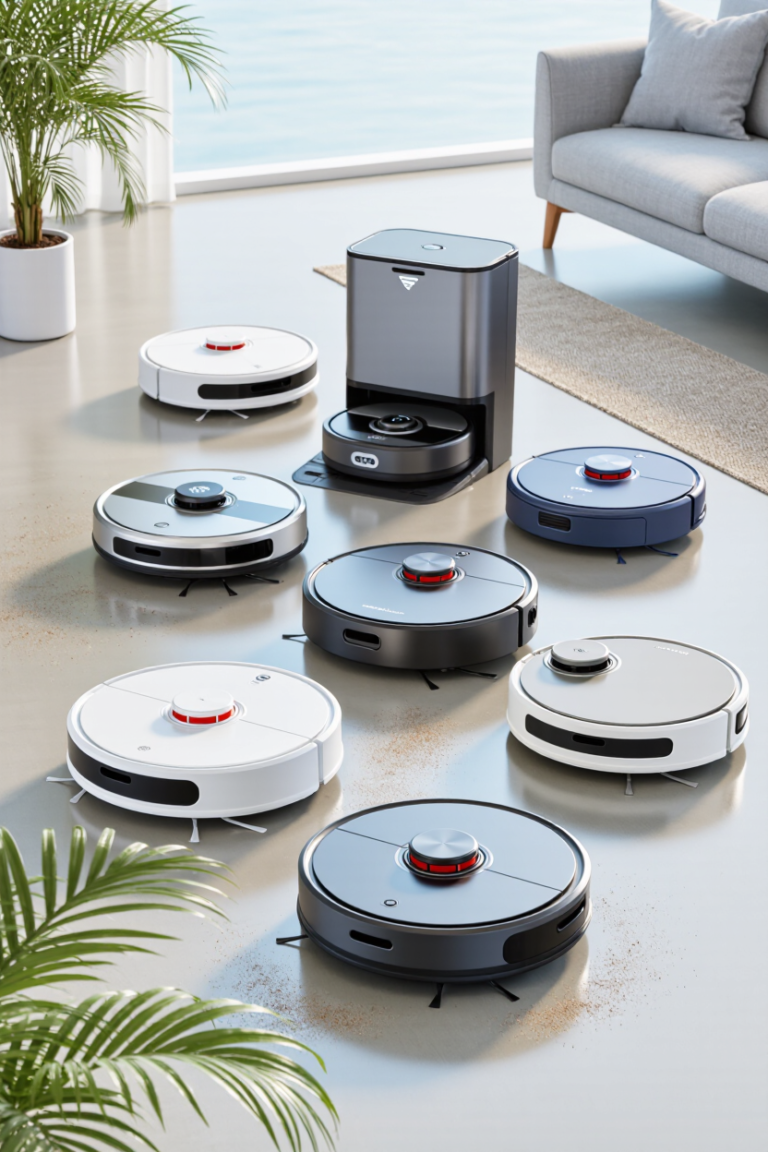
7. Roborock Saros 10R — Robot Vacuum
LiDAR navigation, self-emptying and self-washing docks have moved from novelty to near-standard in 2026’s $300–$1,000+ tier. The Saros 10R sits at the sweet spot of genuinely smart mapping and a dock that means you barely touch the machine between deep cleans.
Standout features:
- Precise LiDAR-based room mapping
- Self-emptying dock with mop washing and drying
- Obstacle avoidance tuned for cables, shoes and pet mess
- App-based no-go zones and scheduled cleaning
Considerations:
- Significant investment versus a basic robot vacuum
- Budget alternative: iRobot Roomba Combo j9+ for a similar experience minus the premium dock
Smart House Ideas, Room by Room
It’s easier to plan a smart house when you think in terms of rooms instead of a shopping list. Here’s where each device category earns its keep.
Kitchen
Start with a smart plug for the coffee maker so it’s brewing before your alarm even finishes, and a smart display or speaker on the counter for hands-free timers and recipes while your hands are messy.
Living Room
Smart bulbs and a smart plug for lamps let you set “movie night” and “reading” lighting scenes with one voice command. If you already own a smart TV, pairing it with your ecosystem’s speaker adds voice control for volume and input switching too.
Bedroom
A smart plug on the bedside lamp paired with a sunrise-style lighting routine is one of the most underrated smart house upgrades—gentle, gradual light instead of a jarring alarm. Smart thermostats also pay off here, automatically dropping the temperature a degree or two overnight.
Front Door & Entryway
This is where a smart lock and video doorbell earn their keep fastest—keyless entry for family, temporary codes for guests or deliveries, and a record of who came by while you were out.
Whole House
A robot vacuum on a daily schedule and a hub tying your ecosystem together round things out, letting you build routines like “Good Morning” (lights up, thermostat adjusts, coffee starts) or “Away” (lights off, thermostat drops, doors lock) with a single tap or voice command.
How to Build Your Smart House in 3 Phases
Trying to smart-ify every room at once is the fastest way to overspend and get overwhelmed. Here’s a more realistic rollout:
- Phase 1 – Start small: One smart speaker, a couple of smart plugs, and a few smart bulbs in the rooms you use most. This is enough to learn which automations actually matter to your household.
- Phase 2 – Add security and comfort: A smart lock, a video doorbell, and a smart thermostat. These are the devices with the clearest daily payoff in convenience and energy savings.
- Phase 3 – Automate the rest: Robot vacuum, sensors, and full-home lighting once you know your ecosystem and routines. By this point you’ll know exactly what’s worth automating versus what was never going to get used.
At every phase, prioritise Matter-certified devices. It costs nothing extra at checkout and means nothing you buy today becomes dead weight if you switch ecosystems later.
Common Questions About Building a Smart House
Do I need a hub to build a smart house?
Not strictly. Many devices connect directly over Wi-Fi and can be controlled from a phone app or a smart speaker. A dedicated hub becomes worthwhile once you own several Zigbee or Thread devices, since it lets them run automations locally instead of relying on the cloud.
Is Matter worth prioritising when buying new devices?
Yes. A Matter-certified device works with Alexa, Google Home, and Apple HomeKit simultaneously, so you’re never locked out of switching ecosystems later. It typically costs the same as a non-Matter equivalent.
Can I mix brands from different ecosystems?
Increasingly, yes. Matter and Thread have made cross-brand compatibility far more reliable in 2026 than in previous years. A multi-ecosystem hub like the Aqara Hub M3 makes mixing brands especially painless.
How much does a basic smart house setup cost?
A solid starter kit—one smart speaker, three smart plugs, and two smart bulbs—typically runs under $150 total, making it one of the most affordable home upgrades available in 2026.
Are smart home devices secure?
Reputable brands use encrypted connections and mandatory device authentication, and Matter was designed with security built in from the start. Stick to established brands, keep firmware updated, and use strong, unique Wi-Fi passwords.
Final Thoughts
Building a smart house in 2026 no longer means betting your entire home on one company’s ecosystem. Thanks to Matter’s maturity, you can start with whichever hub fits your household, add devices gradually, and trust that most of what you buy today will keep working even if you switch platforms down the line. Start with a speaker, a few plugs, and some bulbs—then let your actual habits decide what to automate next.
ALSO SEE Amazon Echo Dot 5th Generation Review: Amazing Smart Speaker
📥 Get Our Free 2026 Digital Tools Stack
A free guide to the best hosting, VPN, cybersecurity and AI tools for 2026 — delivered straight to your inbox.
Related reading: tado X Smart Thermostat Review 2026: Does It Really Cut Your Heating Bill?