
SmartPOS
Point of sale and stock control for a small shop, with receipts you can print from your phone and barcodes you can scan with its camera.
Who it is for
Owners of small UK shops and market stalls who want to ring up sales, keep stock counts and give customers a receipt without buying a till.
What you can do
Sales
Ring up a sale, take payment and issue a numbered receipt.
Stock
Keep stock counts that update with every sale, with movements recorded so you can see where stock went.
Receipts
Print or share receipts through Android’s own printing, in 58 mm, 80 mm or A4 layouts.
Barcode scanning
Scan product barcodes with the phone camera.
Staff roles
Owner, manager and cashier roles decide who can do what, and refunds and voids are recorded.
How it works
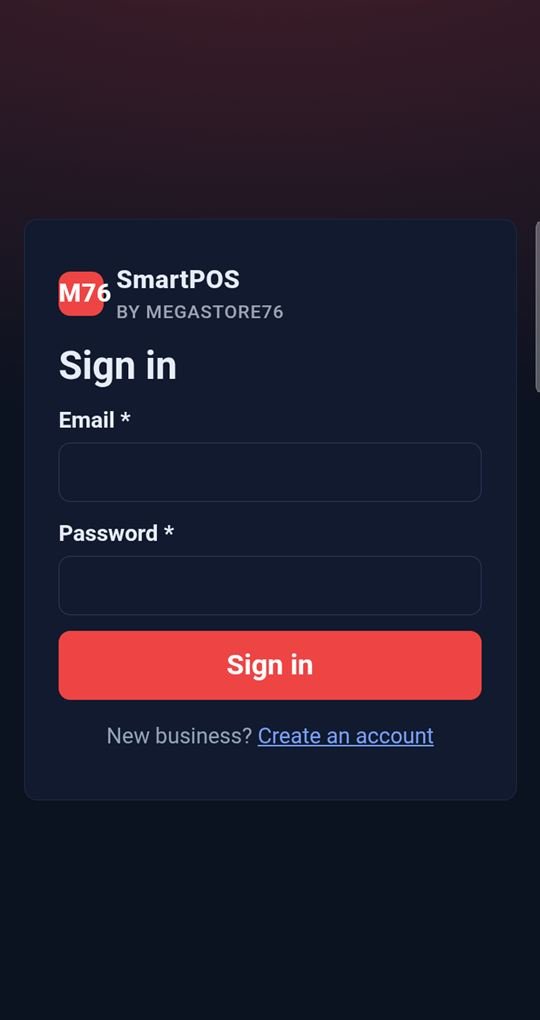
- Create an account for your business and sign in.
- Add your products and stock.
- Ring up sales, print receipts and review the day.
Your data and privacy
SmartPOS is an online service: your shop data is stored on Megastore76’s secure server so the web app and phone app show the same shop, and you sign in with your email and password. The phone app is a full-screen window on that service and shows a friendly message if the connection drops.
Read our apps privacy policy.
Questions
Does it work offline?
The app needs a connection to sign in and sync. If you lose signal it shows a “No connection” page with a Try again button.
Can I use it on a computer?
Yes. The same shop is available in a web browser.
What printers does it work with?
Anything Android can print to. It uses the system print dialog rather than a specific receipt-printer connection.
Does it cost anything?
The pricing is not announced yet.
Availability
SmartPOS is built and being prepared for Google Play. Want to help test it before then? Tell us which app you would like to try.